- Call: +234 707 670 5931
- Email: [email protected]
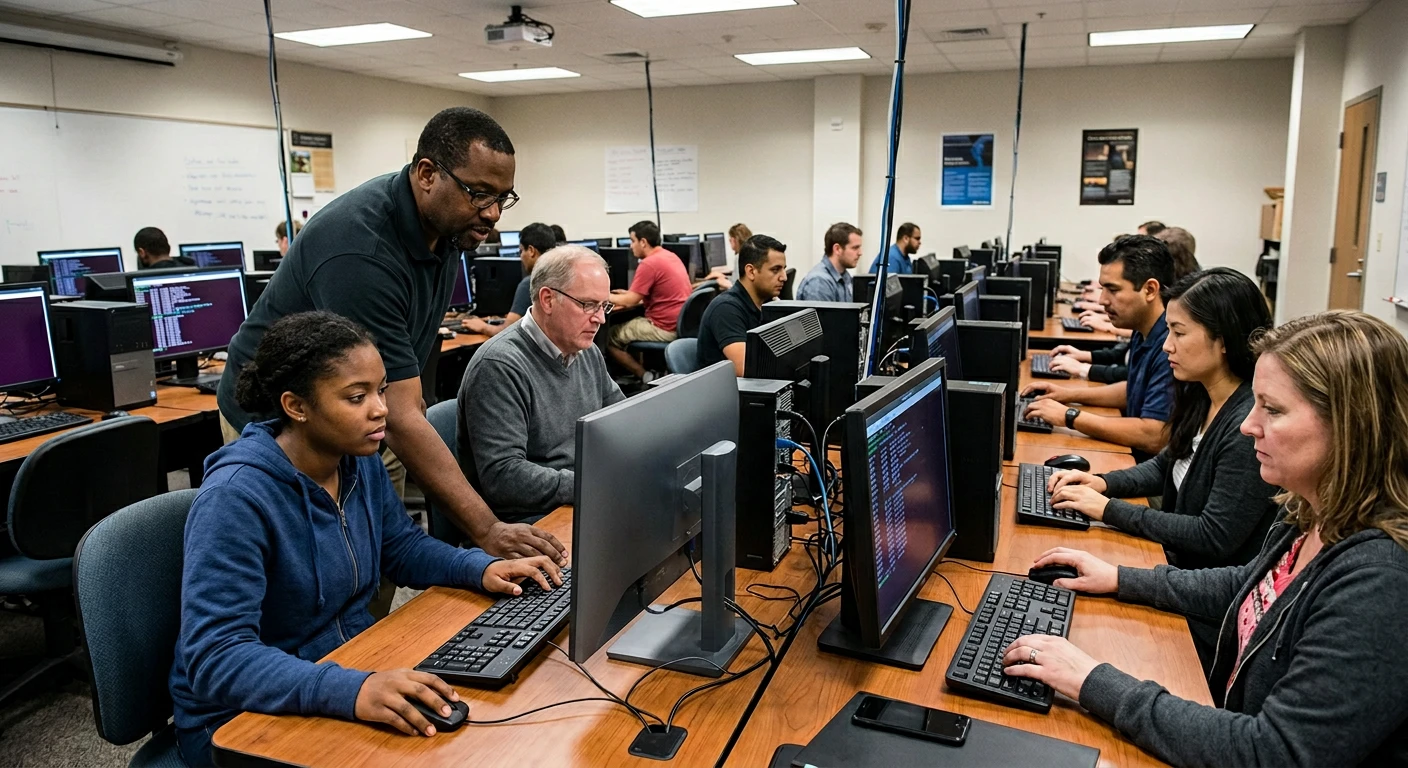
Choose from the upcoming 4-day cohorts below for online virtual sessions or physical classroom training.
Linux Command Line Basics provides foundational knowledge of working with the Linux operating system through the terminal interface. The course covers directory navigation, file management, permissions, process handling, and basic system commands.
Learners will gain hands-on understanding of how to interact with Linux systems efficiently, manage files and folders, execute commands, and perform basic administrative tasks. The course also introduces essential concepts for system control and automation.
By the end of the course, participants will be able to confidently use the Linux command line, navigate system structures, and perform essential operations required in IT support, development, and cybersecurity environments.
Upon successful completion of this training program, participants will be able to:
Address: Port Harcourt Training Center, Rivers State, Nigeria.
Inquiry Phone: +234 707 670 5931
Upon course completion and evaluation, candidates are awarded an official certificate issued under the accreditation of HR Professional Courses. Each certificate carries a unique verification number for online credential validation.