- Call: +234 707 670 5931
- Email: [email protected]

Institute: OSHA
Learn posture auditing, anthropometric data mapping, and musculoskeletal risk mitigation with OilTrain. Design high-productivity, compliant workspaces.
OSHA is a globally recognized workplace safety certification respected across industries like oil & gas, construction, manufacturing, and engineering worldwide.
0 Reviews

Advance your career with this masterclass in sustainable utility architecture. Programmed explicitly for energy consultants, civil engineers, and corporate infrastructure managers, this executive diploma provides the tools to deploy, scale, and finance large-scale renewable networks. Participants master the technical pillars of wind, solar, and biomass systems, alongside clean-tech project management, load profiling, and microgrid engineering. Acquire the financial metrics and policy expertise required to orchestrate capital-intensive energy transitions and manage grid compliance frameworks within complex regulatory environments.

Build a foolproof organizational defense by mastering modern corporate governance. Designed for risk officers, corporate lawyers, and internal auditors, this 30-lesson masterclass transforms standard regulatory boxes into a competitive business advantage. You will dissect anti-money laundering laws, data privacy mandates, and corporate ethical codes. Walk away with the strategic tools needed to spot hidden operational vulnerabilities, design airtight internal controls, and lead your enterprise through complex global regulatory audits smoothly.
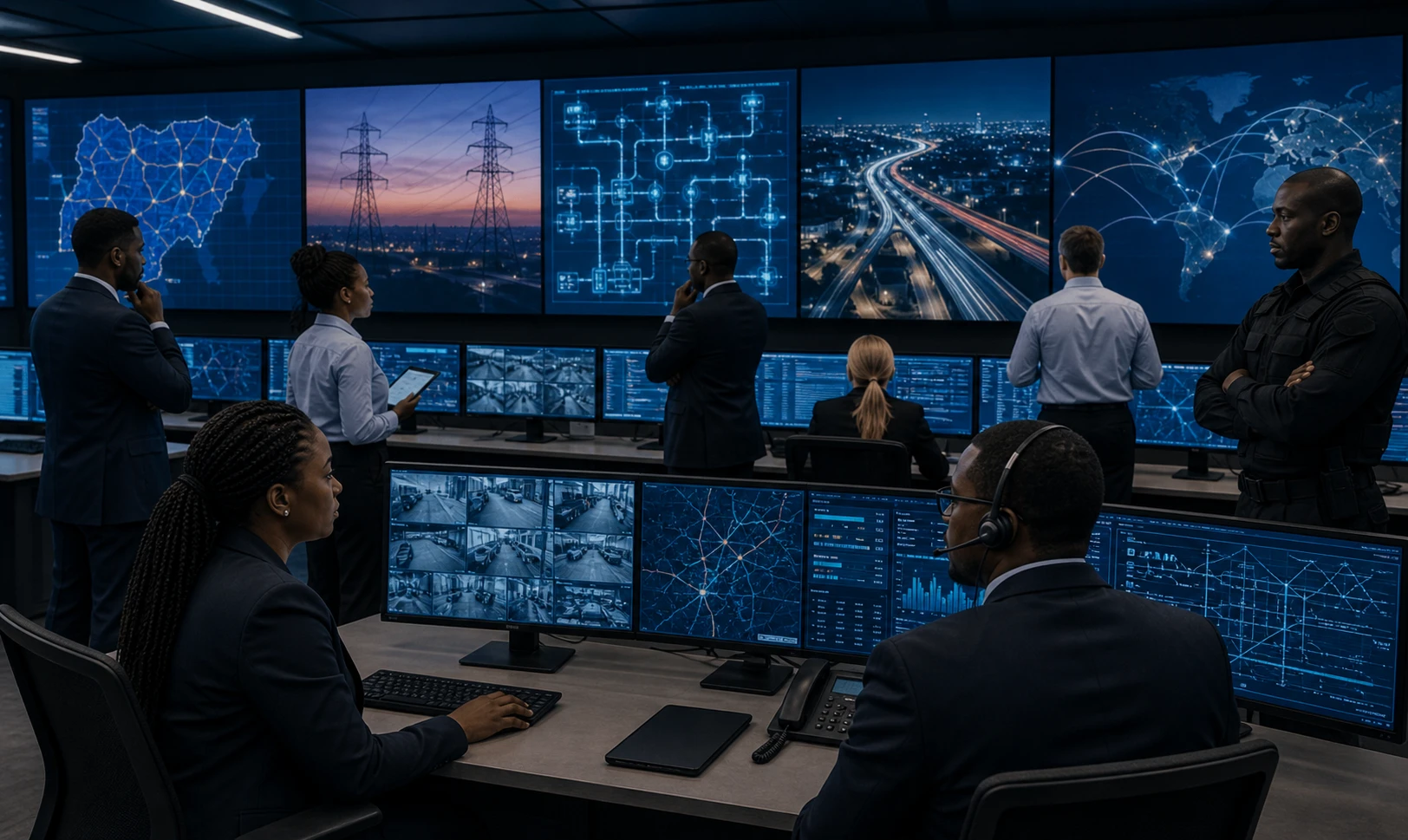
Secure the backbone of vital industrial operations against structural, physical, and digital vulnerabilities. Tailored for data center managers, utility grid operators, industrial security experts, and asset protection officers, this 20-lesson deep dive targets zero-downtime maintenance strategies. You will master risk mitigation for power grids, cooling loops, and high-security facility perimeters. Acquire the advanced tactical knowledge to manage system redundancies, handle emergency disasters, and easily pass critical safety compliance audits.